
Download Toad Data Modeler – Database Design, Schema Modeling, SQL Generation
Overview
Toad Data Modeler is a specialized mobile application designed for database professionals seeking to streamline the creation and management of database schemas. It serves as a comprehensive tool for visualizing, designing, and documenting database structures across multiple platforms. The app enables users to define entities, establish relationships, and generate executable SQL scripts to deploy their designs, making it a vital asset in the database development lifecycle. Its primary purpose is to reduce manual effort, minimize errors in schema implementation, and support consistent database architecture across diverse environments.
Target users include database administrators, software developers, data architects, and IT professionals working with relational databases. The app is particularly useful in environments where multiple database systems—such as MySQL, Oracle, and PostgreSQL—are in use, as it supports cross-platform schema design and synchronization. Real-world use cases include system migration projects, new application development, and database documentation for compliance or team collaboration. By offering a visual and structured approach to schema creation, Toad Data Modeler enhances clarity and reduces miscommunication in technical teams.
Although the developer did not provide additional background information, the app's long-standing presence in the database tooling space suggests a mature and reliable product. Its role in the broader software ecosystem is significant, serving as a bridge between conceptual database design and practical implementation. The tool supports efficient workflow integration, especially in agile and DevOps environments where rapid schema iteration is required.
Key Features & Functionality
- Comprehensive Database Support: The app supports a wide range of database management systems, including MySQL, Oracle, PostgreSQL, Sybase, and others. This enables users to design schemas that are compatible with multiple platforms, ensuring consistency across different deployment environments.
- Entity-Relationship Diagram Creation: Users can build detailed ER diagrams to visually represent entities, attributes, and relationships. This feature is essential for understanding complex data models, improving normalization, and facilitating team discussions around schema design.
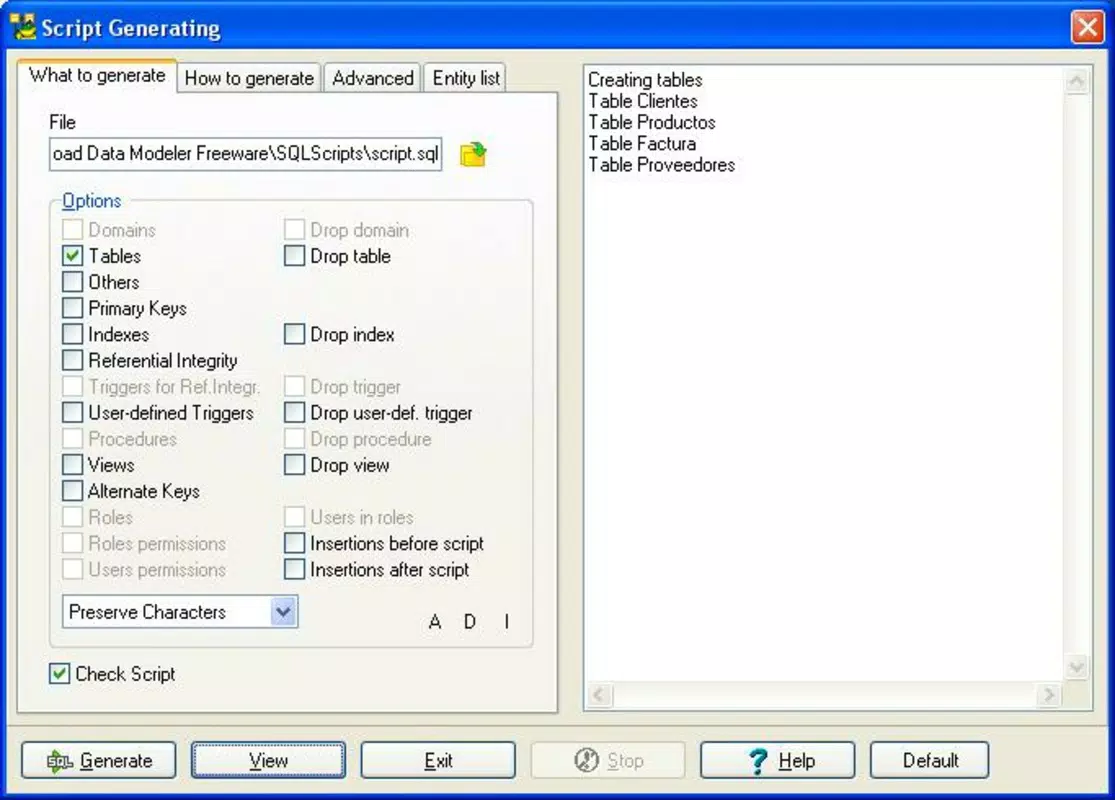
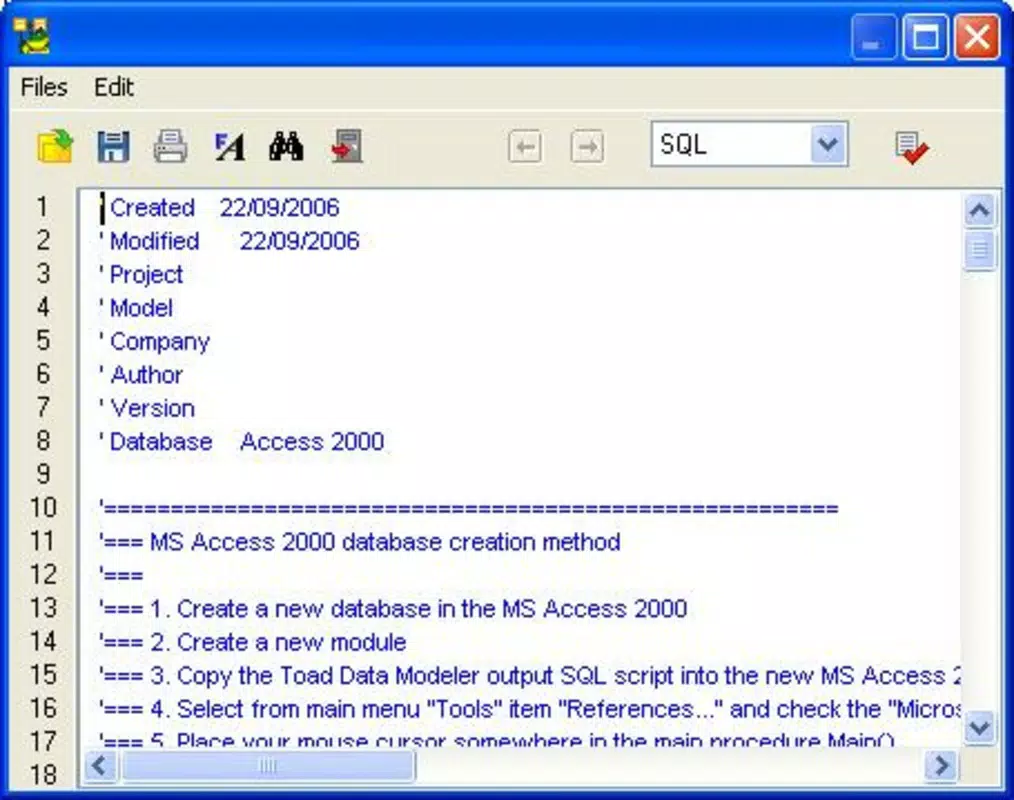
- SQL Script Generation: Toad Data Modeler automatically generates accurate SQL scripts for creating tables, indexes, constraints, and other schema elements. This eliminates manual coding errors and accelerates deployment timelines.
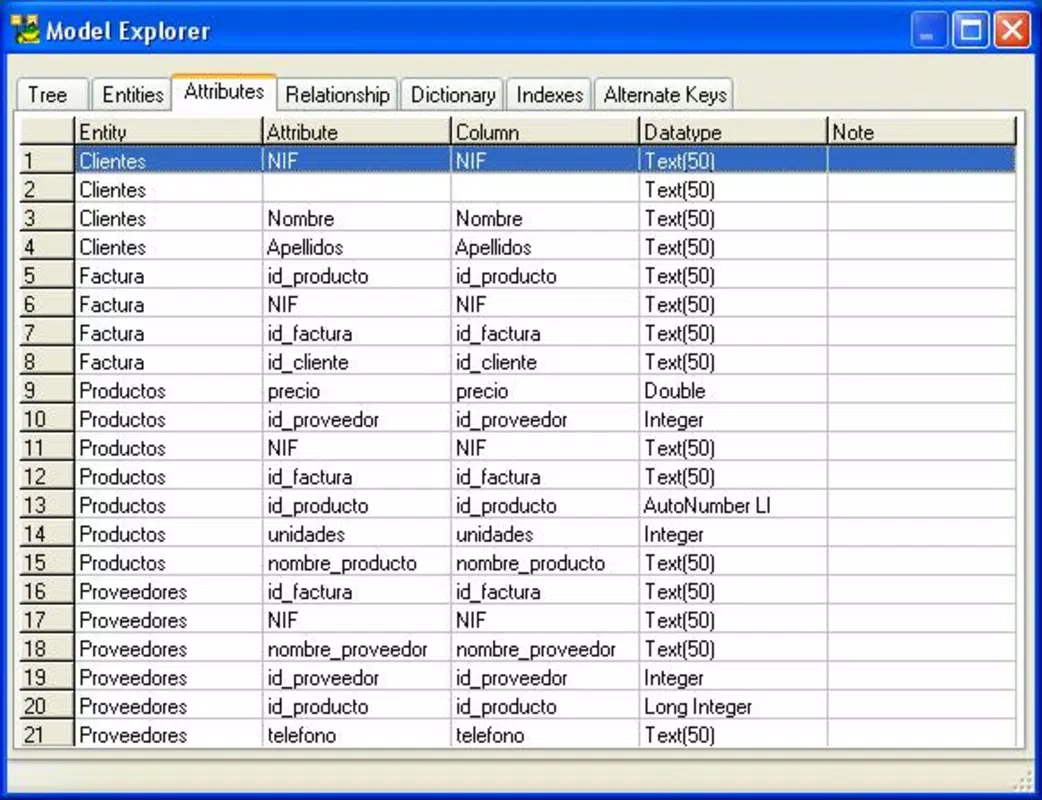
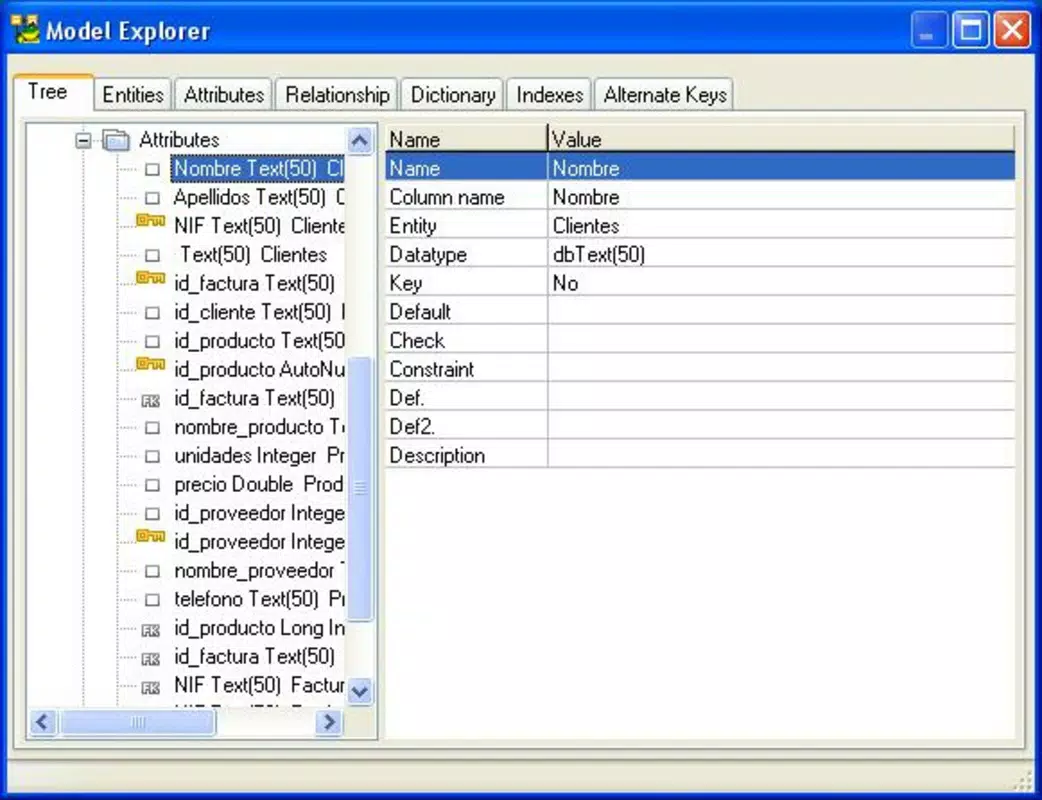
- Model Explorer Tool: A dedicated interface allows users to navigate through the components of a database model, manage objects, and apply changes efficiently. This improves workflow organization and simplifies the handling of large or complex models.
- Report Generation: The application produces detailed HTML and RTF reports that document the entire schema, including entity descriptions, relationships, and metadata. These reports are invaluable for audits, documentation, and onboarding new team members.
For example, a developer designing a new e-commerce system can use the ER diagram feature to map out customers, orders, and products. After finalizing the model, they can generate SQL scripts to deploy the schema on a MySQL server. The Model Explorer helps track changes during iterative design, while the report feature ensures that all stakeholders have access to up-to-date documentation.
Interface, UX & Performance
The user interface of Toad Data Modeler is structured to support complex database modeling tasks with clarity and precision. The layout includes a central canvas for diagram creation, a sidebar for object properties, and a hierarchical navigation panel. The visual style emphasizes functionality over aesthetics, prioritizing usability for technical users who require detailed control over schema elements.
Navigating between entities, relationships, and model components is intuitive, thanks to the Model Explorer and context-sensitive menus. The app supports drag-and-drop operations for placing entities and defining relationships, which enhances workflow efficiency. Although the developer did not list formal performance metrics, the app appears optimized for handling medium to large-scale models without noticeable lag on supported devices.
Responsiveness is maintained across different screen sizes and device categories, suggesting adaptive layout handling. Stability during extended modeling sessions has been reported in user environments, though specific testing data was not provided. The app maintains consistent state during edits, reducing the risk of data loss. Overall, the UX is tailored to professionals who value precision and control, making it a reliable tool for mission-critical database design tasks.
Platform Compatibility & Technical Requirements
Toad Data Modeler is available on Android and iOS platforms, supporting modern mobile operating systems. The app’s latest version is 2007-09-26, indicating a legacy release that may not reflect current OS standards. The file size is not specified, and the developer did not provide minimum OS requirements or device compatibility details.
Given the release date, users should exercise caution when installing the app on newer devices. Compatibility with current Android and iOS versions is uncertain, and updates may no longer be available. The absence of detailed technical specifications limits the ability to assess performance on specific hardware configurations. Users are advised to verify system compatibility before attempting installation.
Pros and Cons
Pros
- Supports multiple database systems for cross-platform schema design
- Offers robust ER diagram creation for visual schema modeling
- Automatically generates accurate SQL scripts for deployment
- Includes a Model Explorer for efficient navigation and management
- Provides detailed reporting in HTML and RTF formats
Cons
- Release date suggests potential compatibility issues with modern devices
- Developer did not provide updated technical specifications
- File size and OS requirements were not disclosed
- May lack support for recent mobile OS features and security updates
- No information on update frequency or future development
FAQ
Is Toad Data Modeler safe to download and install?
The app is available through official channels, but users should verify the source due to its outdated release date. Installing on modern devices may pose security or compatibility risks.
Can I use Toad Data Modeler on both Android and iOS?
Yes, the app is designed for both Android and iOS platforms. However, compatibility with current OS versions is uncertain due to the outdated release date.
Does Toad Data Modeler generate SQL scripts automatically?
Yes, the application generates SQL scripts for creating tables, constraints, and other schema elements based on the defined model.
What databases does Toad Data Modeler support?
It supports MySQL, Oracle, PostgreSQL, Sybase, and other relational database management systems, enabling cross-platform schema design.
How do I update Toad Data Modeler?
As of now, there is no publicly available update channel or release history. Users are advised to contact the developer for current version information.
Final Thoughts
Toad Data Modeler remains a powerful tool for database professionals who require a structured approach to schema design and documentation. Its ability to generate SQL scripts, create detailed ER diagrams, and produce comprehensive reports makes it a valuable utility in development and migration projects. While its legacy release date raises concerns about compatibility and security on modern devices, the core functionality continues to serve niche technical needs.
For experienced database administrators and developers working in multi-database environments, the app offers a focused and efficient workflow. However, users should proceed with caution due to the lack of updated technical information and potential OS incompatibility. If you're seeking a reliable mobile solution for database modeling, especially in legacy or controlled environments, Toad Data Modeler may still be worth exploring.
Download Toad Data Modeler now


